Bug - Data import from Excel fails with Microsoft Dynamics IntegratorClientException Error
When importing data from Excel into Dataverse, the process can fail with some undecipherable error.
Here's an illustration of such an occurrence. Following an attempt of importing an Excel file, the process fails with a generic 'Import failed' message.
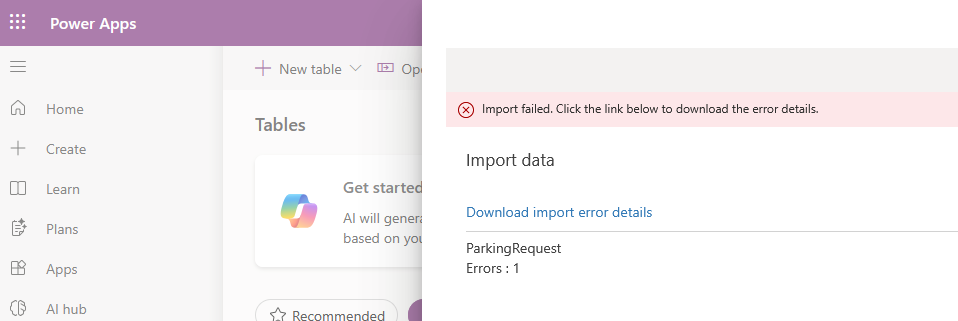
Clicking the 'Download import error details' link opens a spreadsheet that reports further details:

Type=Microsoft.Dynamics.Integrator.Exceptions.IntegratorClientException,
 Msg=Unable to parse import file eff520b2c9094246a60e9934d0a36f42.xlsx
Error details PQOnline failure - Type=System.Net.WebException, Msg=The
remote server returned an error: (400) Bad Request.
This type of error is frustrating, and there are often reports from other users with no common solution.
In my case highlighted above, it was a transient problem with the Microsoft Cloud, as leaving it a day and trying again solved the problem.
In other reported cases where importing an Excel XSLX files has failed with this error, converting to CSV and attempting to re-upload may solve the issue. This might be due to content in other tabs causing the failure.
Another thing to try is to copy the content into new spreadsheet and to try again. If that fails, the next thing is to reduce the number of rows to see if the size of the content or some special character is the cause.
If all else fails, I recommend raising a support ticket with Microsoft. In the interim time, it's always worth occasionally reattempting the import on the off chance that it'll work.
